Type any engineering topic. It comes out in your style.
Every image uses the same fixed setup: one style card and one reference image. You only type the topic, in Russian, German or English. Then compare the new image with the others.
All images, same style
Cards marked «typed» or «new» were made with the box above, from the topic shown. The «example» cards also carry a simulation result. Click any card to edit it below.
Edit the selected image
In your setup the style card and reference image live in a ChatGPT project, and this template lives in Canva. This page only shows the principle.
I asked the AI to change only the headline.
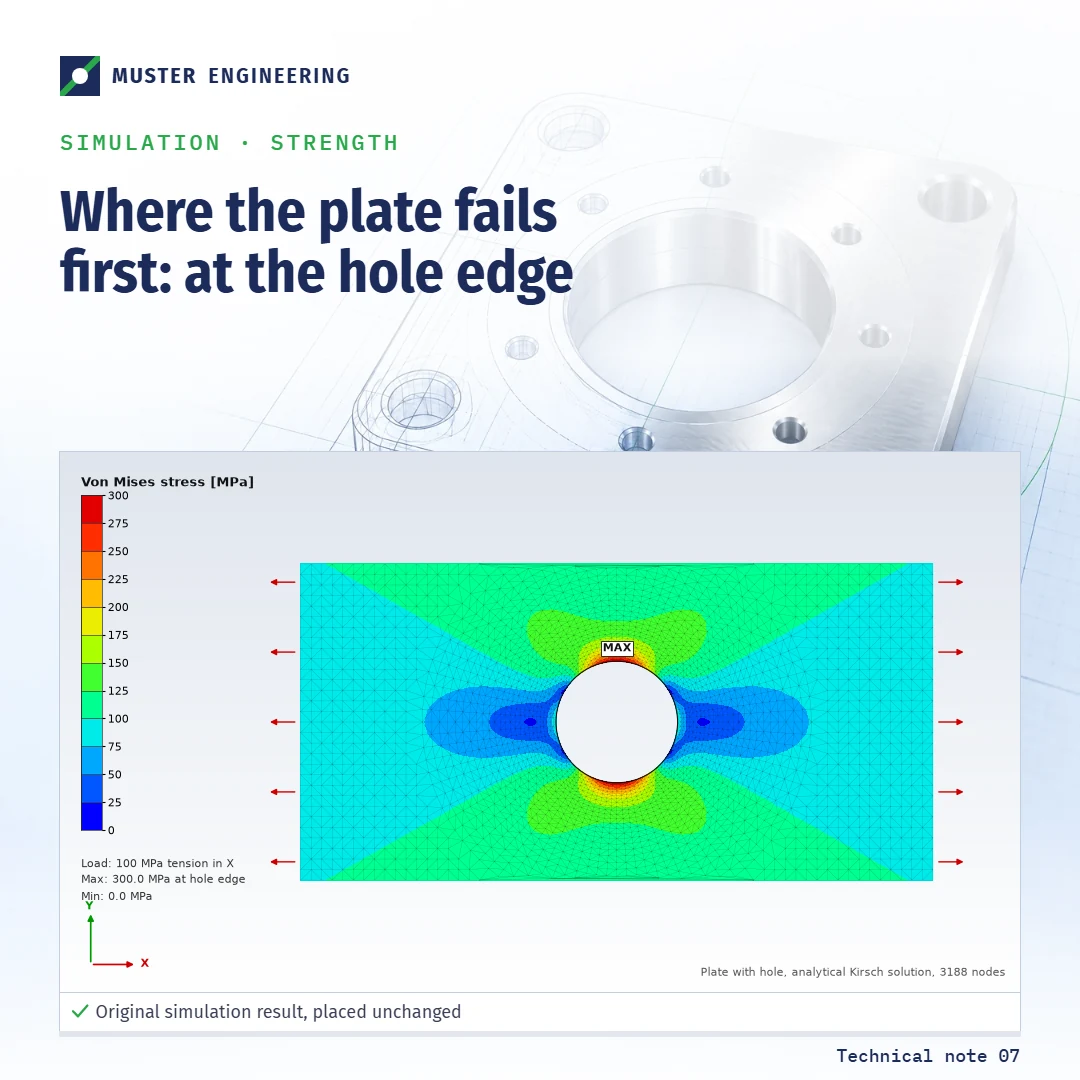
This is the request you would type into ChatGPT: «Change only the headline to ‘Where the plate fails first: at the hole edge’. Keep everything else exactly as it is.» I sent it twice to GPT Image 2.5, OpenAI’s current image model, and compared each result with the original, pixel by pixel.
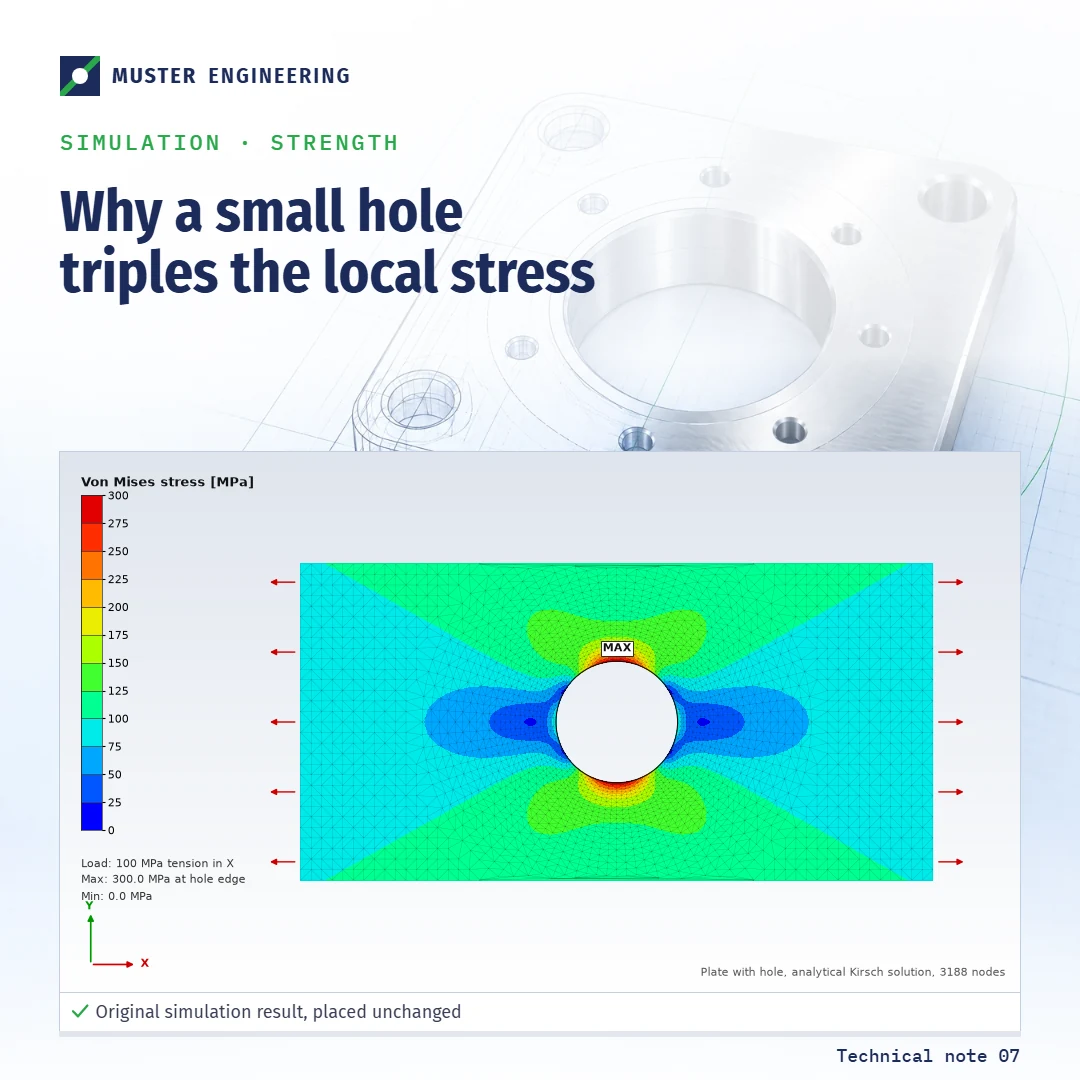
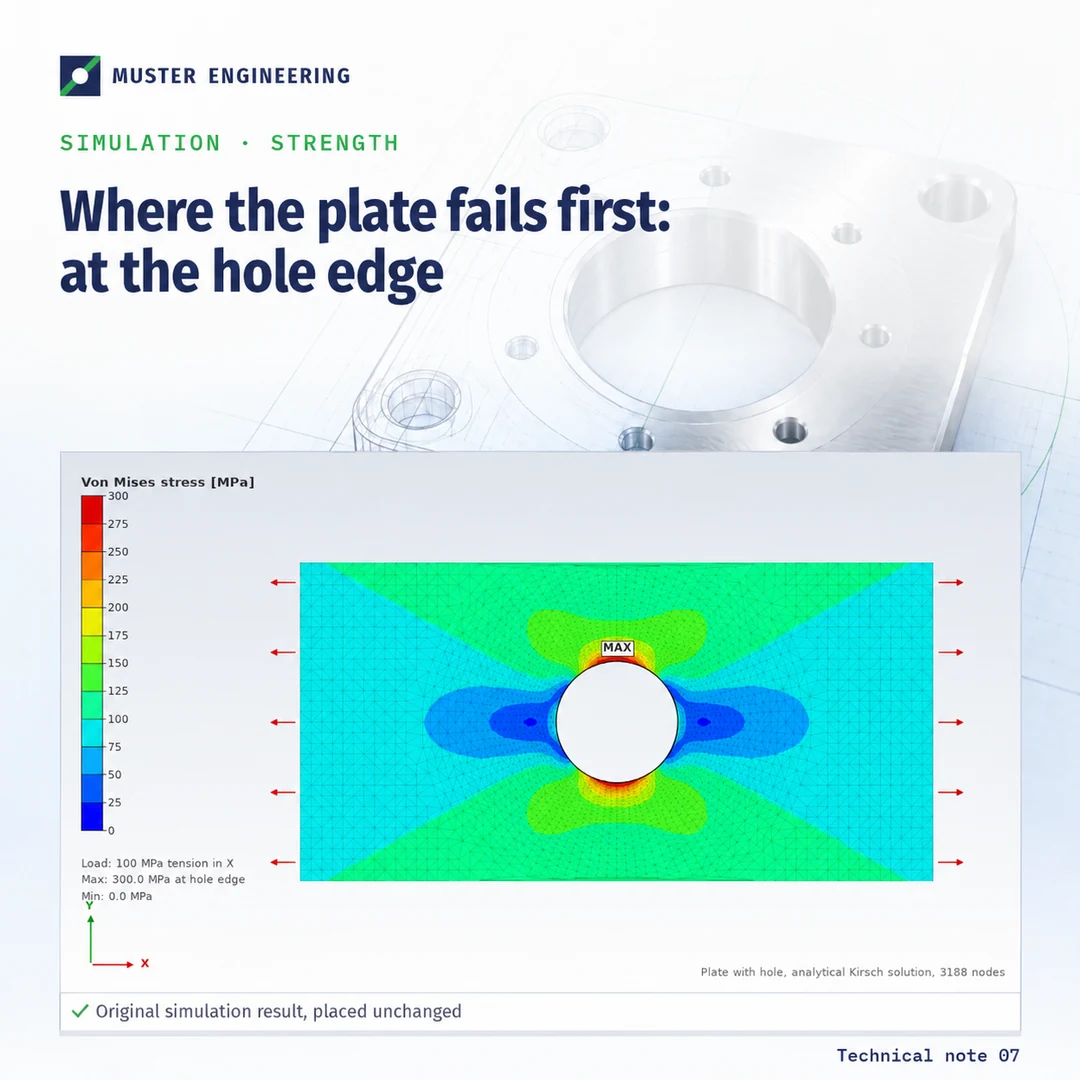
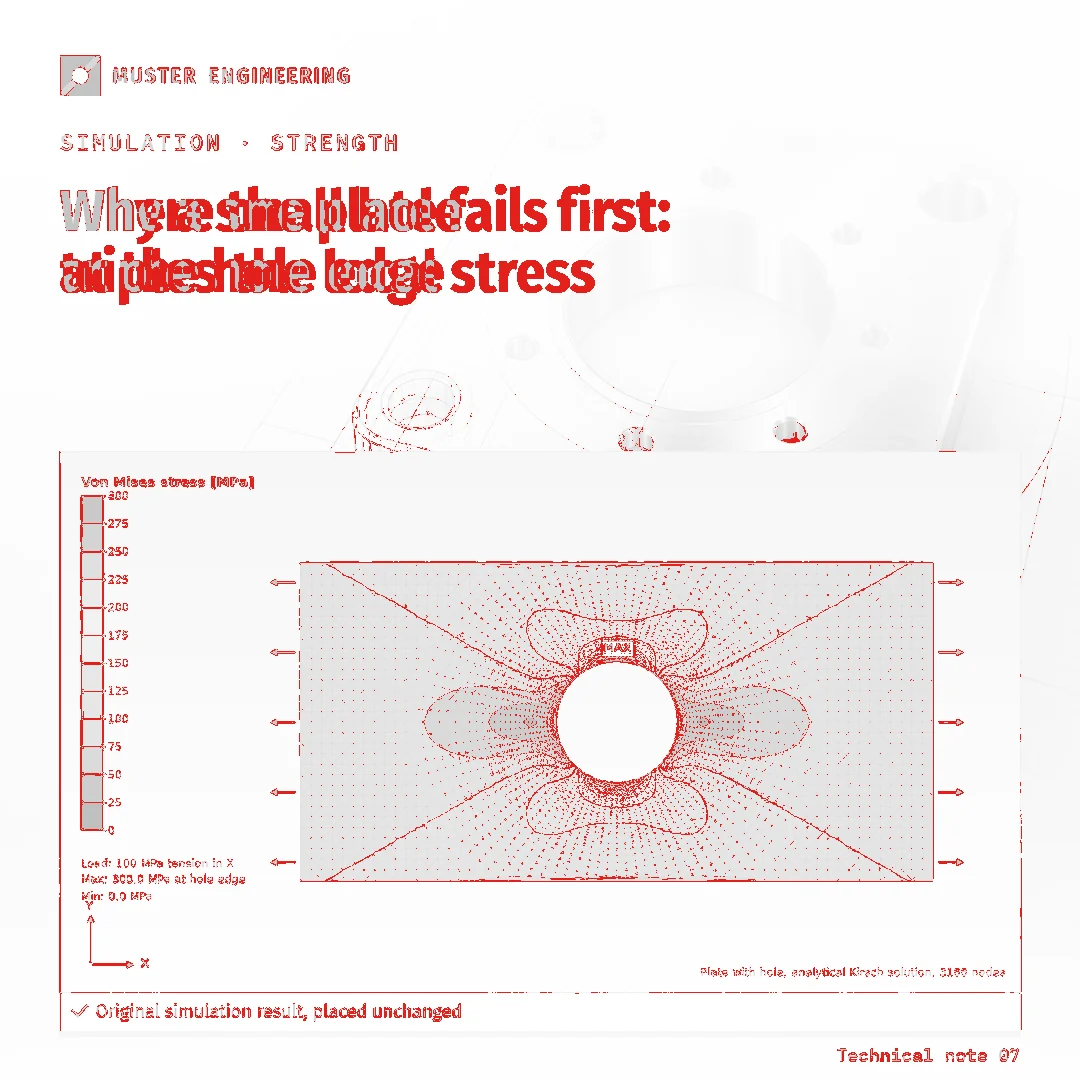
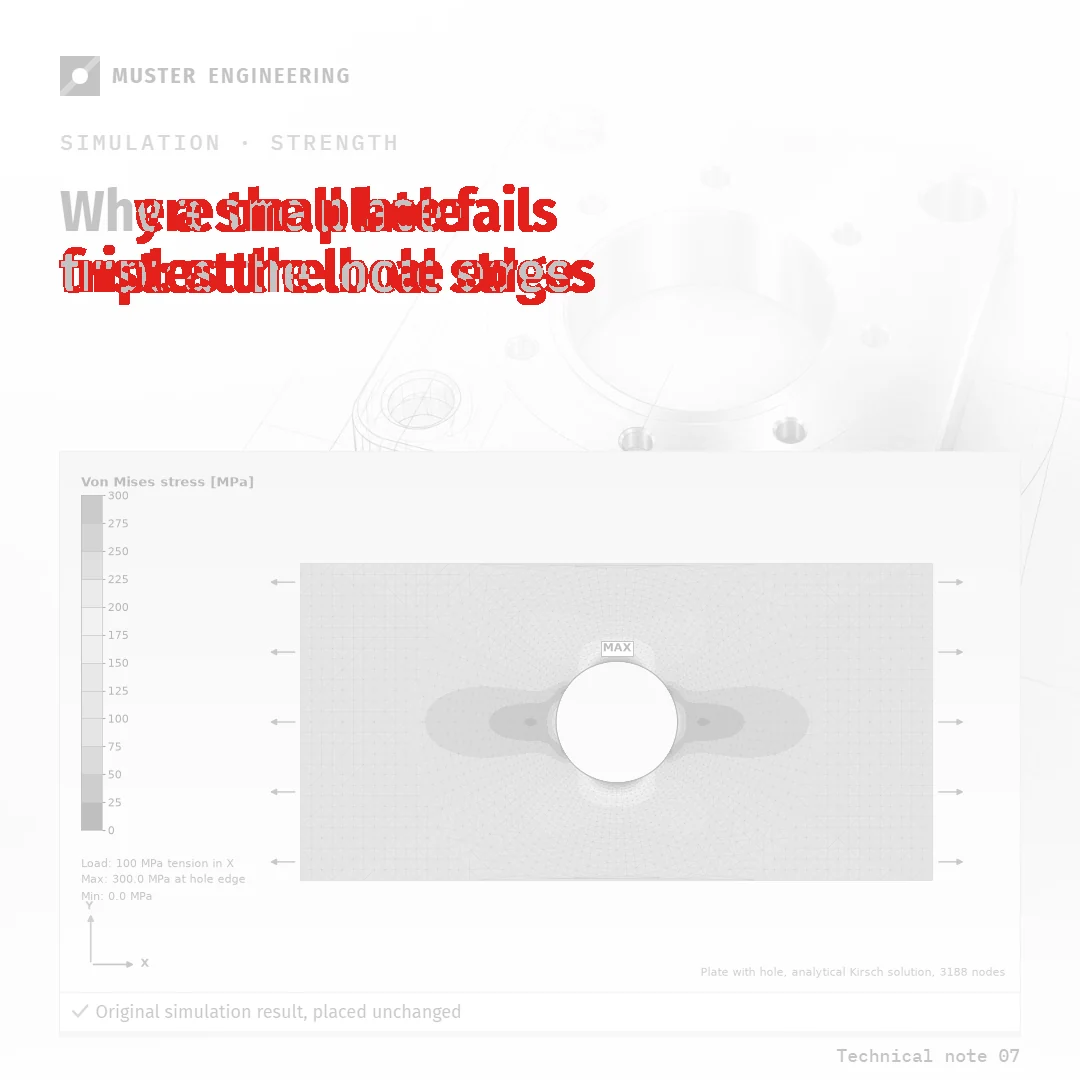
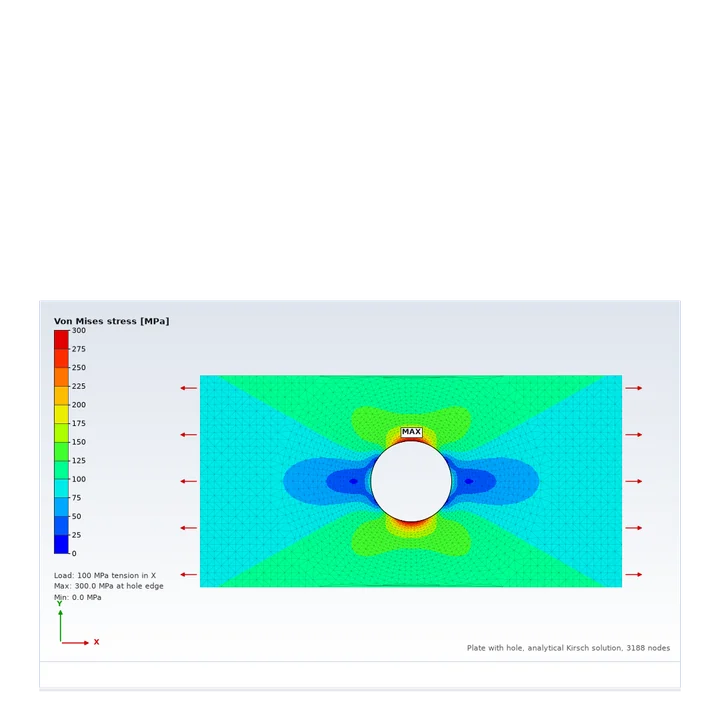
The map shows what the eye misses. Flat color areas survive. The parts that carry information do not: mesh lines, contour edges, the legend numbers. The model does not edit a file. It draws a new picture that looks like the old one.
Three rounds of edits, zoomed in
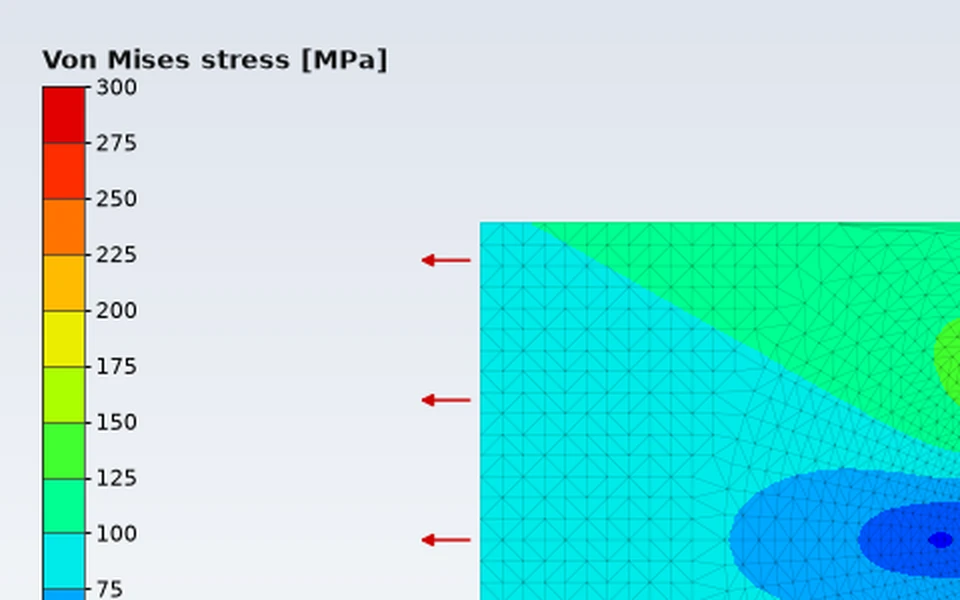
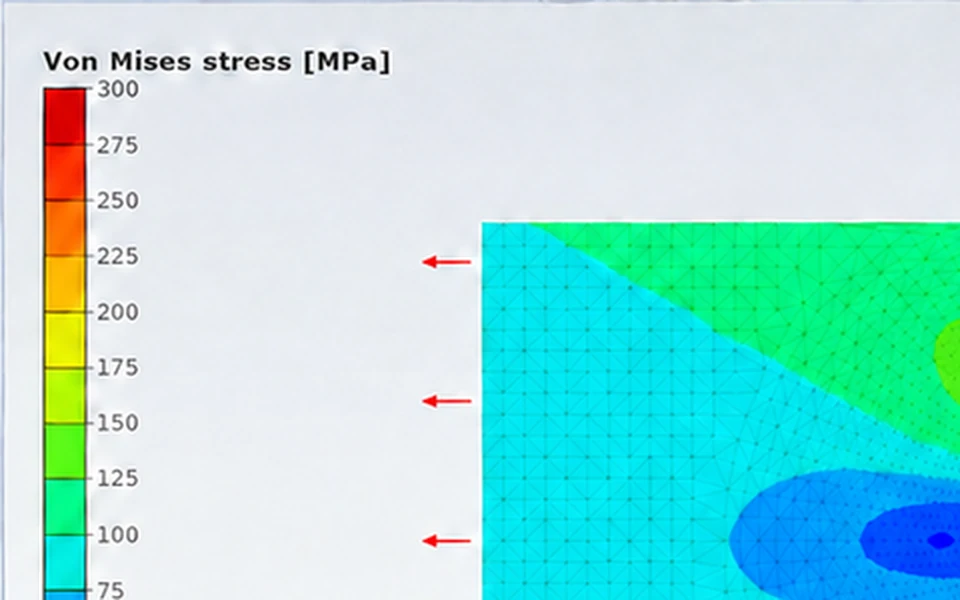
This is the problem you describe: every revision costs a little detail, and you only see it when you zoom in. On OpenAI’s own developer forum, staff confirm there is no pixel-exact edit mode yet. That is fine for a background. It is not fine for a result your engineers approved.
Four layers. The AI touches only one of them.
- 1
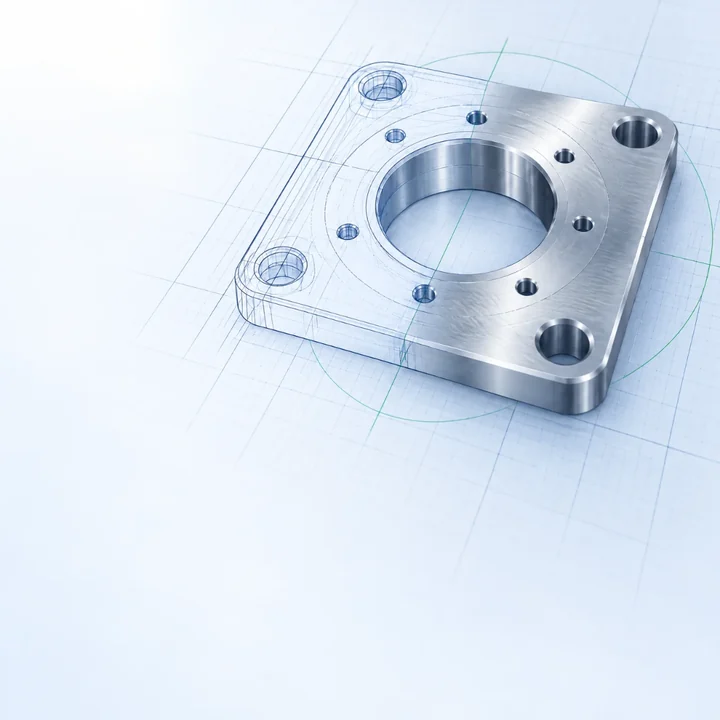
Background.AI
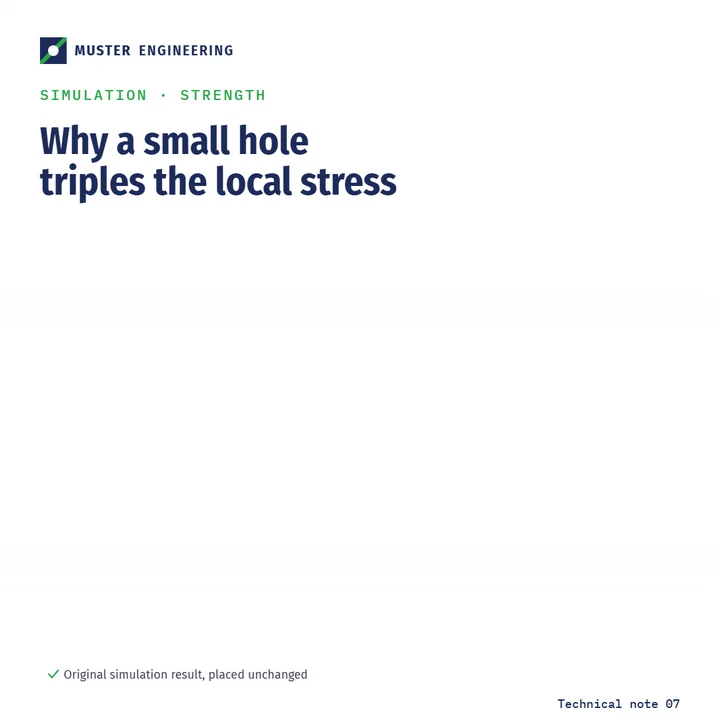
Made in ChatGPT from a fixed style card and three reference images. This is where the AI is useful. - 2
Your simulation or technical image.original file
Placed as it is. It never goes through the AI, so nothing can be redrawn. It also never leaves your company. - 3
Headline, logo, caption.template
Real text and a real logo file. Locked fonts and colors, editable words. - 4
Format.template
One template per channel. The same three layers fill all five sizes.
What stays in ChatGPT, and what needs another tool
| Task | Where it lives |
|---|---|
| Background illustrations, cover motifs, ideas | ChatGPT project with your style card, reference images and saved prompts. Same look every time. |
| Simulation results, CAD renders, photos | Canva, as the original file in a fixed frame. Never sent to ChatGPT. |
| Headlines, logo, captions, colors | Canva brand template. Logo, fonts and colors are locked, the words stay editable. |
| Formats for each channel | One Canva template per format. Fill one, copy the text to the others. |
| Infographics with numbers | Canva charts or a template. Numbers are typed, never generated. Image models invent numbers. |
| Article text, captions, translations RU / DE / EN | ChatGPT, with a short brand voice guide. |
Two weeks, then your team runs it alone.
Style card and reference setweek 1
One page: colors, fonts, motifs, what never appears. Three reference images that fix the look.
ChatGPT projectweek 1
Instructions, style card, references and a prompt library for covers, article illustrations and social posts.
Canva brand templatesweek 1 to 2
Your formats, locked logo, fonts and colors, a fixed frame for simulation images.
Test run on your real materialweek 2
Ten of your real images and articles go through the workflow. I fix what does not fit.
Training and handoverweek 2
90 minutes live and recorded, a two-page guide, then two weeks of questions by message.
What I need from you
- Logo files, brand colors, fonts
- 5 to 10 visuals you like, yours or others
- 3 to 5 real simulation images
- The channels you post on
First step, free
Send me three of your simulation images and your logo. I build this template with them, so you see your own material in all five formats before you decide anything.